Windows Apps on a Modern Mac
Many smaller Windows apps, especially indie games and niche tools, leave Mac users asking the same question: how can I run this on my Mac?
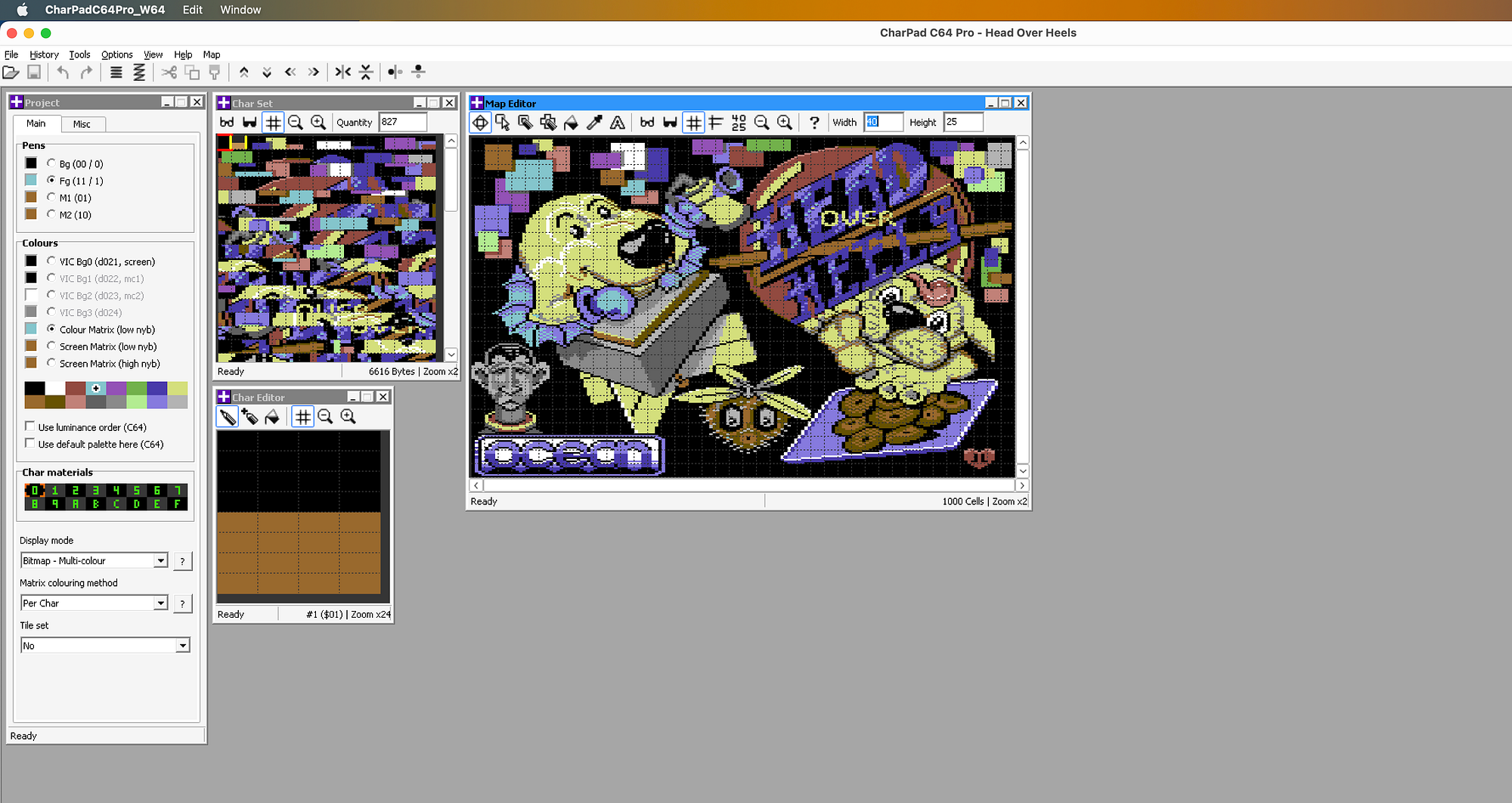
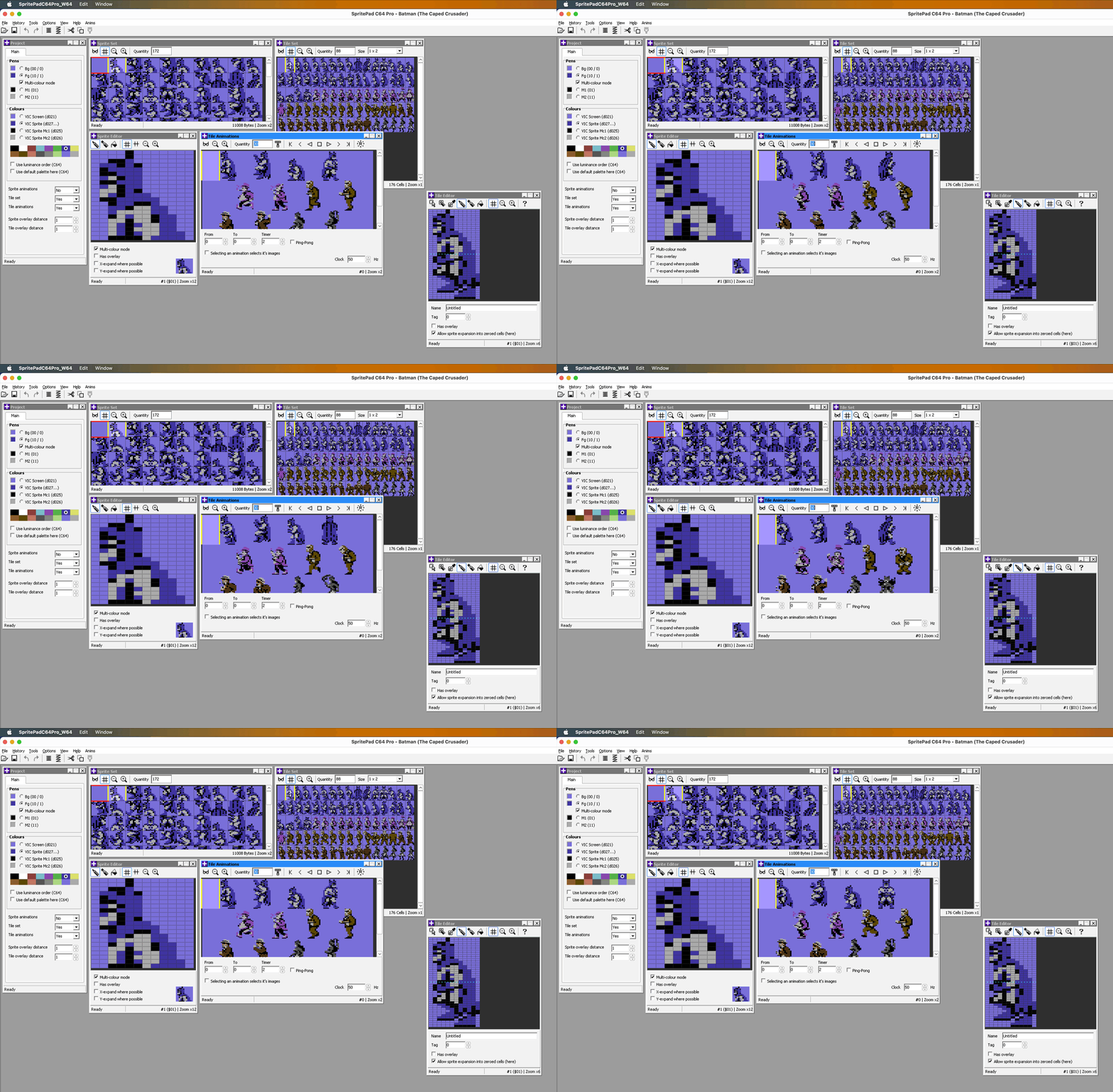
For example, CharPad Pro and SpritePad Pro are small Windows apps for creating Commodore 64 artwork, but they don’t have Mac equivalents. With a little CrossOver setup, they run nicely on a modern Mac.
If you do not have them yet, get them for $20. Then get CrossOver. It costs $74, but you can try the full version for two weeks. If you buy it, keep an eye on renewals: after the first year, upgrades are cheaper than a full renewal.
TL;DR
If you just want to see the setup, this short video shows the whole process:
Step-by-step instructions
After installing CrossOver and unzipping the apps, launch CrossOver. You do not need to do anything in the main window yet.
- In the app menu, select
Bottle — New Bottle…. Name the bottle anything you want, such asC64, leave the defaultWindows 10setting, and hitCreate. After a short moment, your bottle will be ready. - From the menu on the right, select
Open C: Drive. Open theProgram Filesfolder, then move the unzipped CharPad and SpritePad folders into it. - Return to CrossOver, select
Run Commandfrom the right-side menu, then chooseCharPadPro_W64.exefrom the CharPad folder and hitOpen. - In the window that appears, press
Save Command as a Launcher. - Nothing may seem to happen at first, but after a short moment the launcher icon should appear.
- Repeat the same process for SpritePad: hit
Browse…, locateSpritePadPro_380_W64.exe, and save it as a launcher too. - Once both launchers are saved, close this window and return to the main CrossOver window.
Both apps should now appear inside your bottle with their own icons. Double-click either one to launch it.
That’s it. Enjoy, and make something awesome for the Commodore 64. 😄
Many thanks to Niklas Bichinger for the original help.
CrossOver 26.1
CharPad Pro 3.80
SpritePad Pro 3.80